
How to Pack Office Electronics for a Smooth Relocation
Moving an entire business is a massive undertaking, and perhaps the most nerve-wracking part of the process is figuring out how to safely transport your company's technology. Whether you are a growing tech firm relocating across Madison or a small agency setting up a new headquarters, protecting your expensive hardware is critical to minimizing downtime and ensuring a seamless transition.
We know that modern offices run on specialized technology. From dual-monitor workstations and heavy-duty servers to smart conference room displays, a single damaged item can result in lost productivity, frustrated employees, and complicated cargo damage claims. In an industry where trust is paramount and the fear of rogue movers is real, we believe the best way to protect your investments is through careful planning, transparent processes, and professional handling.
If you are wondering how to pack office electronics for relocation without losing cables, cracking screens, or causing massive disruptions, you are in the right place. By following a structured approach, you can keep your data secure, your equipment safe, and your team ready to get back to work the moment you unlock your new doors.

Start with a Comprehensive IT Equipment Packing Checklist
Before a single cable is unplugged, you need a crystal-clear inventory. One of the biggest pain points businesses face during a move is tracking their assets. Relying on outdated, manual inventory processes often leads to misplaced items and post-move disputes.
Modern moving has evolved. At Matts Movers, we utilize technology like AI-driven virtual survey tools to give you highly accurate estimates without disrupting your workday, but your internal team also needs a solid tracking system. Start by creating a detailed IT equipment packing checklist for office moves. This should include the make, model, serial number, and assigned employee for every piece of hardware.
Once the inventory is documented, introduce a color-coded labeling system. Assign a specific color to each department or zone in your new office. Every piece of equipment—from the tower and monitors to the keyboard and mouse—should receive a label matching its destination.
Taming the Cable Chaos
Nothing slows down setting up a new workstation quite like a tangled mountain of mysterious black cords. As employees dismantle their desks, provide them with reusable zip ties or velcro straps. Every cord should be neatly coiled and placed in a clear, labeled zip-top bag that stays with its corresponding computer. Not only does this prevent damage, but it also means your IT staff will not be stuck at a stop-and-go light on the way to a big-box store to buy replacement cables on Monday morning.
The Best Way to Pack Computer Monitors and Towers
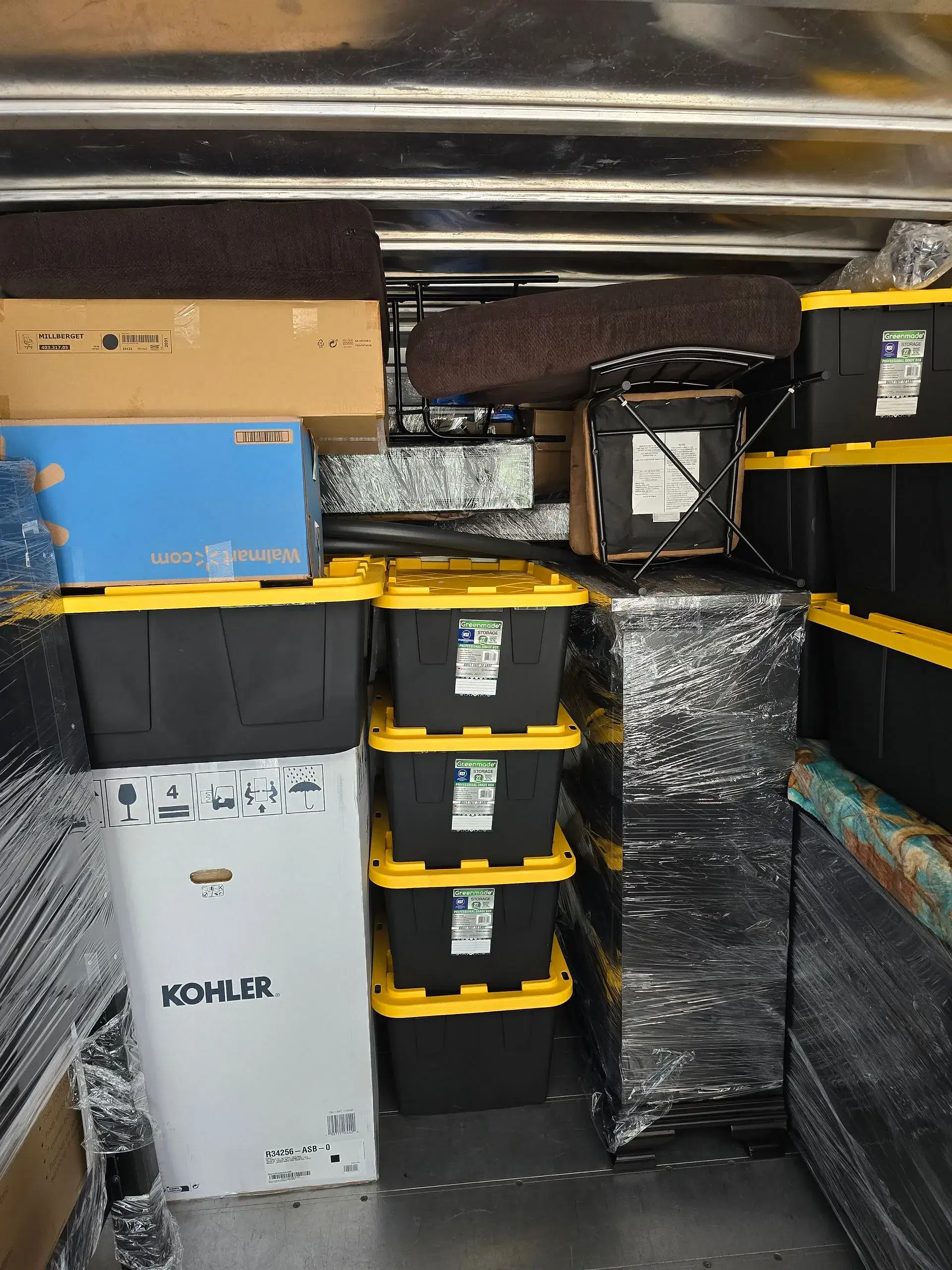
When it comes to the physical packing of delicate electronics, standard cardboard boxes and newspaper simply will not cut it. You need commercial-grade protection. If you are handling this internally, invest in anti-static bubble wrap. Standard bubble wrap can generate static electricity, which has the potential to short out sensitive internal components in your CPUs and servers.
If you are wondering about the best way to pack computer monitors when moving, the golden rule is to protect the screen from pressure and sharp impacts. First, remove the stand if possible. Wrap the monitor entirely in anti-static packing material, securing it with packing tape (being careful not to let the tape touch the screen itself). Slide the wrapped monitor into a specialty box designed for flat screens, or use heavy-duty commercial moving bins. Fill any empty space with packing peanuts or soft foam to ensure the monitor cannot shift during transit.
For computer towers and servers, power down and unplug everything well in advance to allow internal components to cool. Remove any external hard drives or USB dongles that could snap off. Wrap the towers securely and pack them upright—never on their sides—in heavy-duty crates.
If this level of detail sounds overwhelming for your internal team to manage while still running their daily operations, bringing in professionals for Packing & Unpacking Services is an incredibly smart investment. A professional crew knows exactly how to handle fragile hardware, ensuring everything is packed efficiently, securely, and in an eco-friendly manner.
Minimizing Downtime with Strategic Logistics
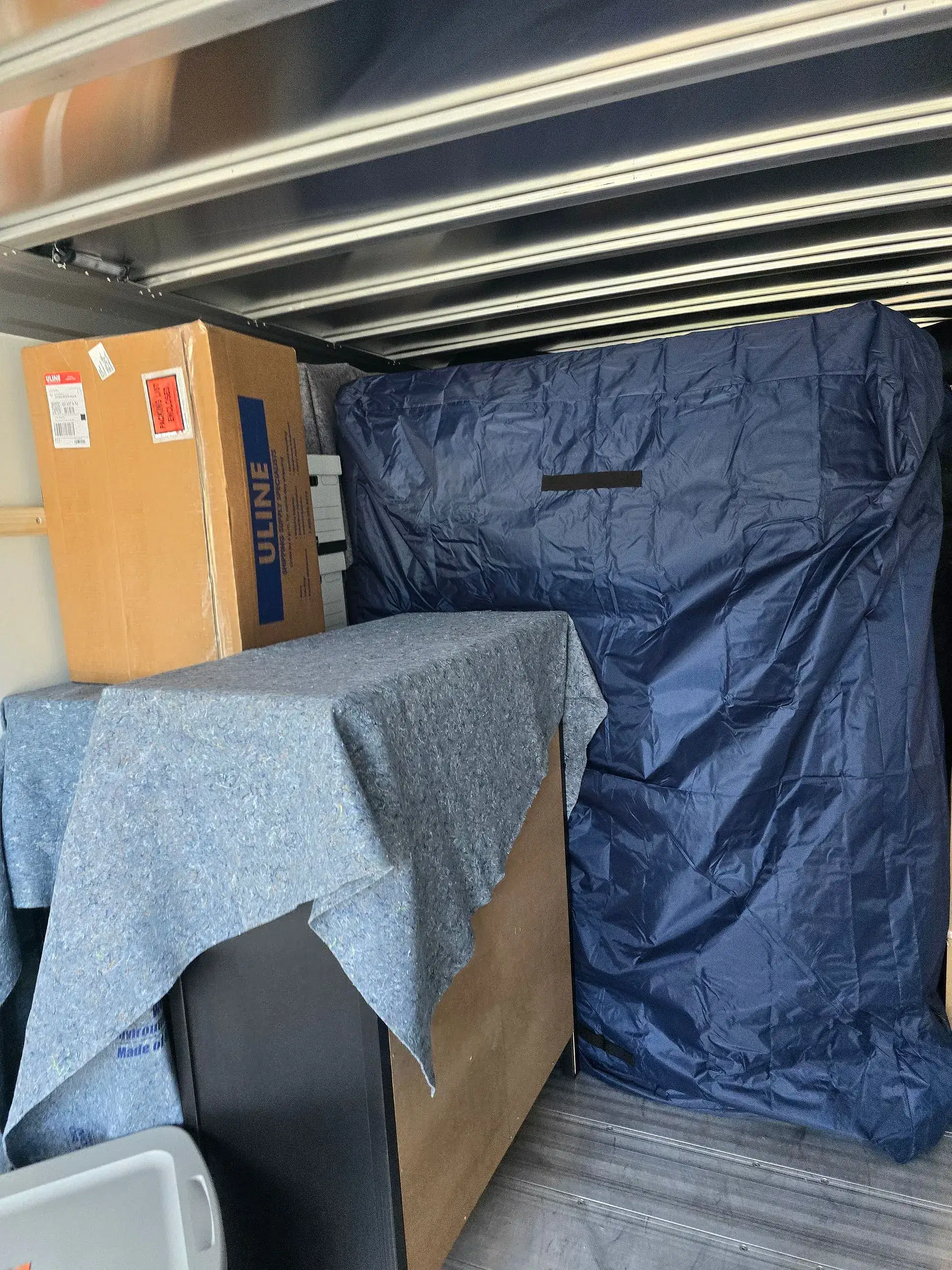
Packing is only half the battle; the actual transportation is where many businesses feel the most anxiety. Driving a truckload of expensive servers across The Isthmus requires smooth handling and meticulous route planning.
To minimize your operational downtime, schedule the physical relocation of your IT infrastructure strategically. Many tech-forward businesses in our area choose to move their server racks and essential networking equipment on a Friday evening. This allows the IT department the entire weekend to set up, test connections, and troubleshoot before the rest of the staff arrives on Monday morning.
It is also crucial to verify your insurance and valuation coverage before the trucks are loaded. We know that businesses require transparent, upfront pricing with no hidden flight charges or long-carry fees, especially when profit margins are tight. Ensure your moving partner offers clear liability coverage options so you have total peace of mind regarding your business assets.
Let Matts Movers Handle the Heavy Lifting
Relocating your business doesn't have to mean days of lost productivity or the headache of damaged tech. By keeping your inventory organized, using the right anti-static materials, and trusting experienced professionals to manage the logistics, your office will be up and running in its new location before you know it.
At Matts Movers, we specialize in comprehensive Office Moving solutions designed around your company's specific needs and schedule. Whether you are moving a small creative studio or a large corporate headquarters in the Madison area, our background-checked, uniformed professionals are here to handle your electronics with the utmost care. Contact us today to learn how we can make your next commercial relocation completely seamless.